
Project Management for Non-Project Managers
Ever tried assembling furniture without instructions? That’s what managing a project happens in random order feels like. Sequencing helps you take what needs to be done and decide what needs to happen when, why, and in which order —so your project doesn’t topple like a poorly-built bookcase.
You’ve already learned how to define all the work needed to complete a project. Now you get to put them in order. Sequencing:
- Creates a workflow that makes sense, revealing bottlenecks early, and allows you to assign (and reassign) resources (people, tools, and supplies) wisely later.
- Lets you assign different parts of the work to different people (departments, contractors), so it can be executed simultaneously (aka concurrent activity)
- Make communicating the schedule easier, and makes it clear what comes next or what’s currently stuck
How to Transform Your WBS into a Sequence Diagram (Step-by-Step)
- Choose Your Tools:
- Physical tools like sticky notes or whiteboards are great for collaboration.
- Digital tools (like MS Project or Asana) are excellent for detailed management, tracking changes, and scenario planning.
- Start with your WBS:
- Ensure your Work Breakdown Structure clearly defines each task. Include a unique identifier for easy reference.
- Identify Dependencies:
- Look at each task in your WBS and ask: “What needs to be done before this task can start?”
- Mark tasks with dependencies clearly, noting tasks that can start concurrently.
- Arrange Tasks Sequentially:
- Lay out your tasks from left (start) to right (finish) based on their dependencies.
- Tasks without dependencies or that can occur simultaneously can be stacked vertically.
- Create Your Sequence Diagram:
- Use flowchart symbols or arrows to indicate the flow from one task to another clearly.
- Highlight critical paths—sequences of tasks that directly affect your project’s completion date.
- Review and Refine:
- Check for missing dependencies and adjust accordingly.
- Verify with stakeholders to ensure accuracy and buy-in.
Two Pro Sequencing Tips:
- Don’t assign resources (people) quite yet. That’s a separate activity that will interfere with thinking clearly about the order in which to do things, at least for now.
- Remove or reduce as many dependencies as you can. Many dependencies are concrete and real (you can’t feed the widget making machine without widget raw materials), but our brains want to see patterns and relationships that make sense. Sometimes our brains create them when they don’t exist. Unneeded dependencies are constraints that should be hunted down and removed without mercy.
Now You Have a Sequence Diagram
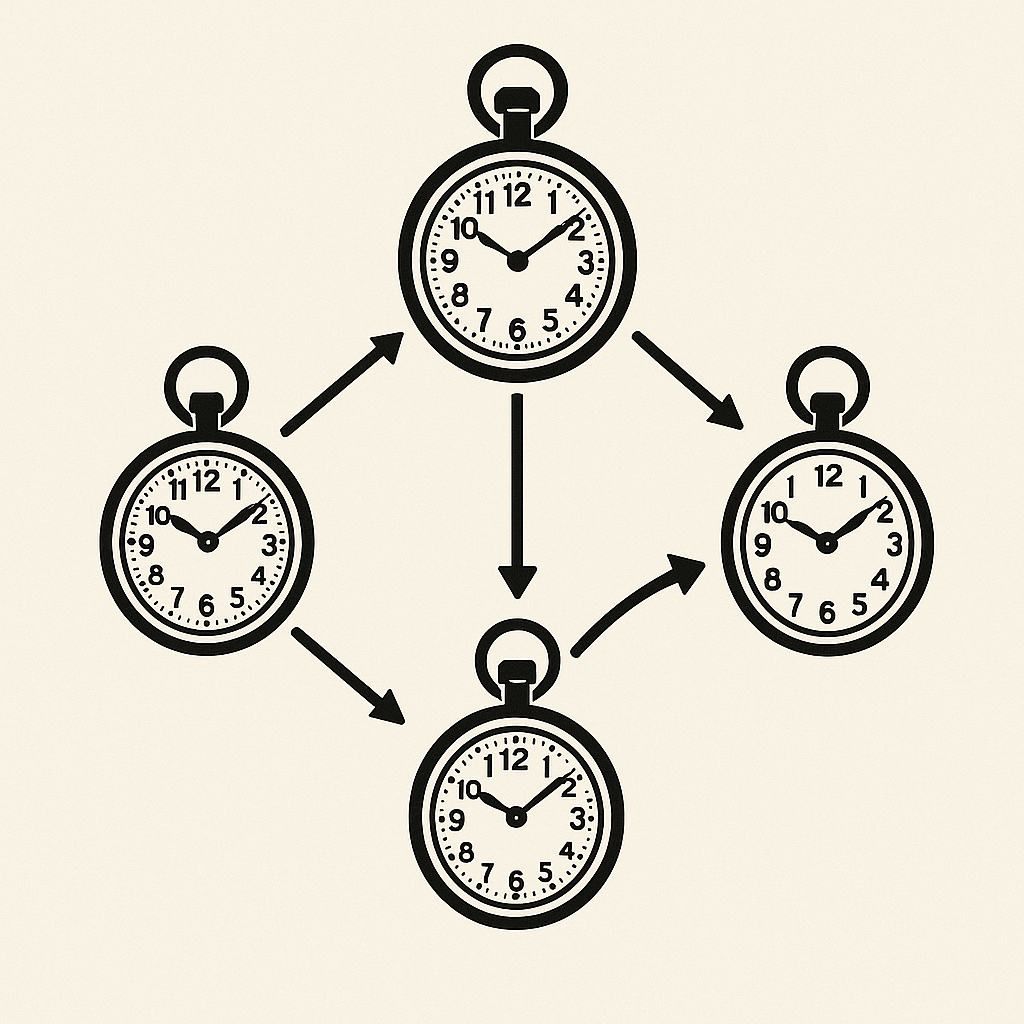
Now you should have something that looks a bit like a wonky net. Tasks from the WBS are connected by their dependencies, reading from left to right. If you did it right, it won’t look like a conspiracy theorist’s nightmare, but something that your team and stakeholders can stand in front of and have a useful conversation about.
What You Don’t Have (Yet)
You don’t quite yet have a schedule, there’s still the work of adding start and end dates, and before that, we need to know how long things are going to take…
Leave a Reply